AI Terminal for Beginners:
No Coding Required.
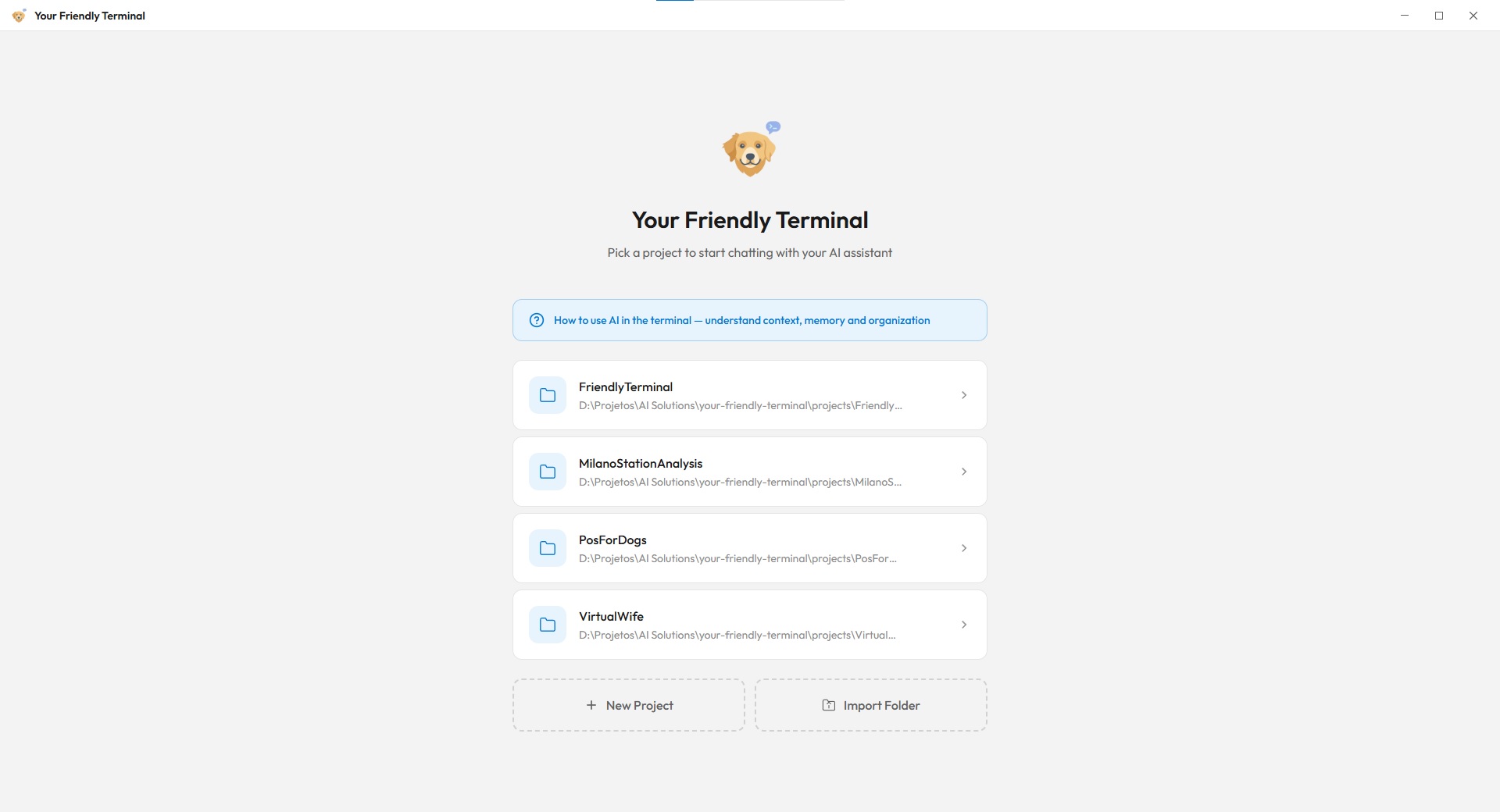
Friendly Terminal is a free, open-source AI terminal designed for people who have never used a command line before. It wraps powerful AI tools — Anthropic's Claude Code, Google's Gemini CLI, and OpenAI's Codex — into a clean, visual desktop app that anyone can use to build software, automate tasks, and manage projects using plain English. If you do have terminal experience, you can also run any CLI-based coding agent directly.
Why Beginners Love Friendly Terminal
According to the 2024 Stack Overflow Developer Survey, over 76% of developers now use or plan to use AI tools in their workflow. Yet traditional terminals remain a barrier for the estimated 70% of knowledge workers who have no coding experience. Friendly Terminal bridges this gap — you describe what you want in natural language, and the AI handles the technical implementation.
No Terminal Knowledge Needed
Unlike traditional terminals where you type commands like git commit -m "message", Friendly Terminal gives you visual buttons with plain-English labels. Every action explains exactly what it does before you click.
Built for Designers, Business Owners, and Students
Friendly Terminal was specifically designed for non-technical users. Whether you're a designer who wants to automate repetitive tasks, a business owner building internal tools, or a student learning to code with AI assistance, the interface adapts to your skill level.
Project-Based Organization
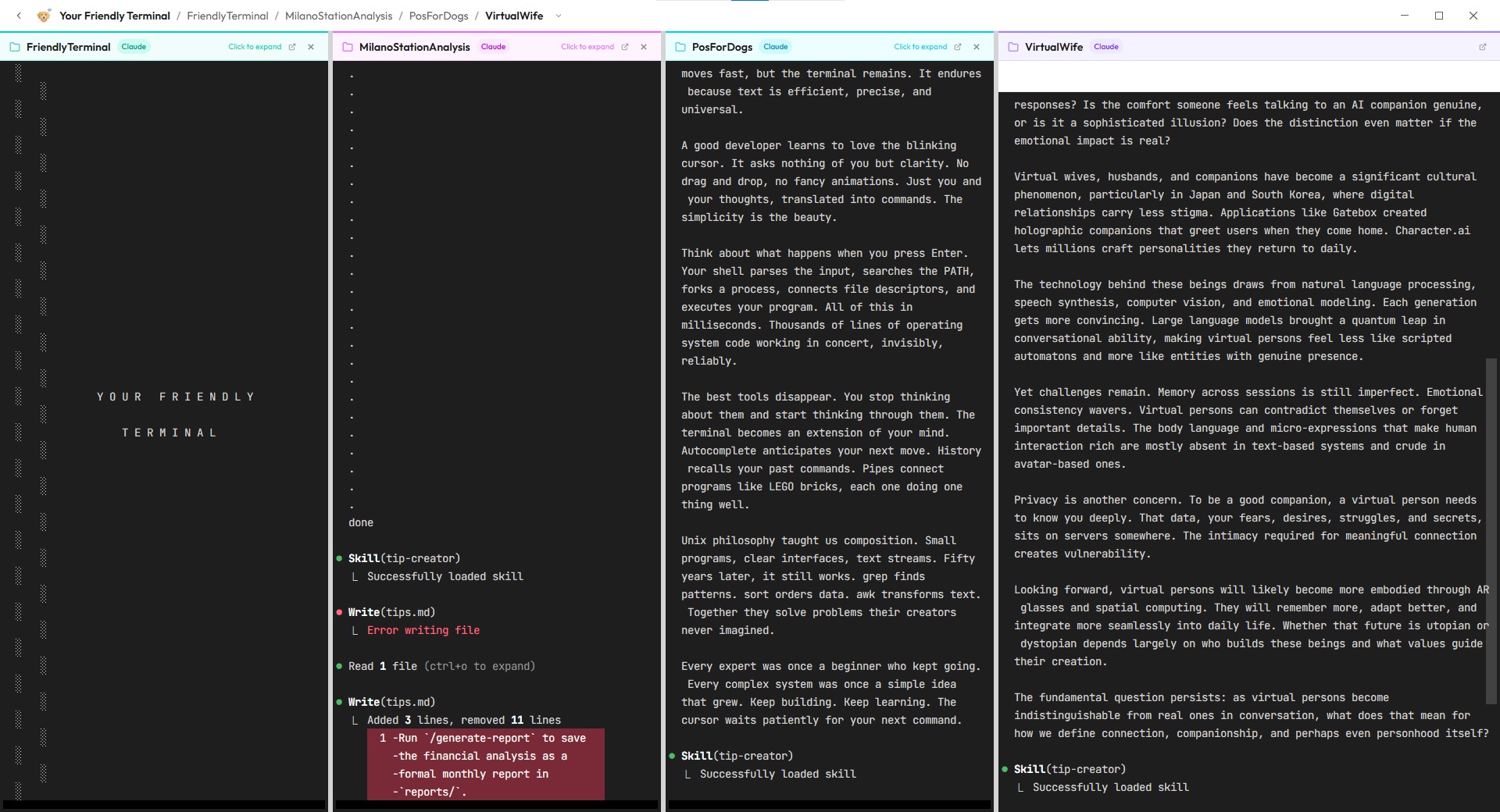
Each project gets its own workspace with isolated AI memory, file explorer, and terminal history. You can work on up to 4 AI terminals simultaneously using tabbed navigation and split views — no complex directory navigation required. According to research on task switching, isolated workspaces can reduce context-switching overhead by up to 40%.
Getting Started in 3 Steps
- 1 Download and install — grab the installer from GitHub, double-click, and you're done. No terminal commands or prerequisites.
- 2 Create a project — point it to a folder and start describing what you want to build in plain English.
- 3 Build with AI — the AI writes code, creates files, and manages your project while you focus on ideas.